

Skip to main contentOpen accessibility widget
Help Center

Everything you need to make accessibility simple

Guides, answers, and best practices to help you use EaseAccess24, stay compliant, and build accessible experiences — all in one place.

Average response < 1h24/5 coverageAccessible-first

Live status

All systems operational

Status

Median response

90 minutes

Platform Uptime

99.98%

tmeeting logo
Support powered by our accessibility partners.
Start here

Pick the fastest path to help

Priority support

Open a support ticket

Submit an issue with context, screenshots, and urgency.

Go
1:1 guidance

Book a live session

Schedule a call with an accessibility specialist.

Go
Real-time

Check system status

View uptime, incidents, and maintenance windows.

Go
Knowledge base

Browse by category

Getting started

  • Onboarding checklist
  • Account setup
  • Roles & permissions
View articles

Product guidance

  • Run accessibility scans
  • Monitor issues
  • Generate reports
View articles

Compliance & policy

  • WCAG 2.2 basics
  • VPAT guidance
  • Data privacy & security
View articles

Billing & plans

  • Invoices & receipts
  • Plan changes
  • Procurement FAQs
View articles

How do I invite my team?

How do I invite my team?

FAQ

Open Settings → Organisation to invite users and manage roles. Choose from predefined roles or create custom permissions for your workflow.

Read more

How do I find accessibility issues on a specific page?

FAQ

Use the Accessibility Audit or Monitoring module to scan individual pages. Enter the page URL to view issues, affected elements, and related rules.

Read more

What accessibility percentage do I need to be compliant?

FAQ

There is no single percentage that guarantees full compliance. EaseAccess24 highlights required WCAG issues alongside your accessibility score.

Read more

What happens if I exceed my plan limits?

FAQ

If you reach your plan limits, scanning or monitoring pauses. You'll be notified immediately and can upgrade to continue without interruption.

Read more
Integration

Works with every CMS no rebuild required.

EaseAccess24 integrates seamlessly with all major CMS platforms and website builders.  Whether you’re using WordPress, Webflow, Shopify, custom frameworks, or enterprise CMSs, our plugins and integrations let you enable accessibility without changing your existing setup.
Need more help?

We’re here — with human support and AI assistance

Get help your way: chat with our team, schedule a call, or get instant guidance from Elsa, our AI assistant.  Share context once — we keep the conversation connected so nothing gets lost.

Instant help from Elsa (AI assistant)

Get quick answers, guidance, and next steps directly inside the platform.

Live chat during business hours

Connect with our team for real-time support when you need it.

Accessibility specialists on every ticket

Your requests are handled by people who understand accessibility standards.

Screen sharing for complex issues

Walk through challenges together when written explanations aren't enough.

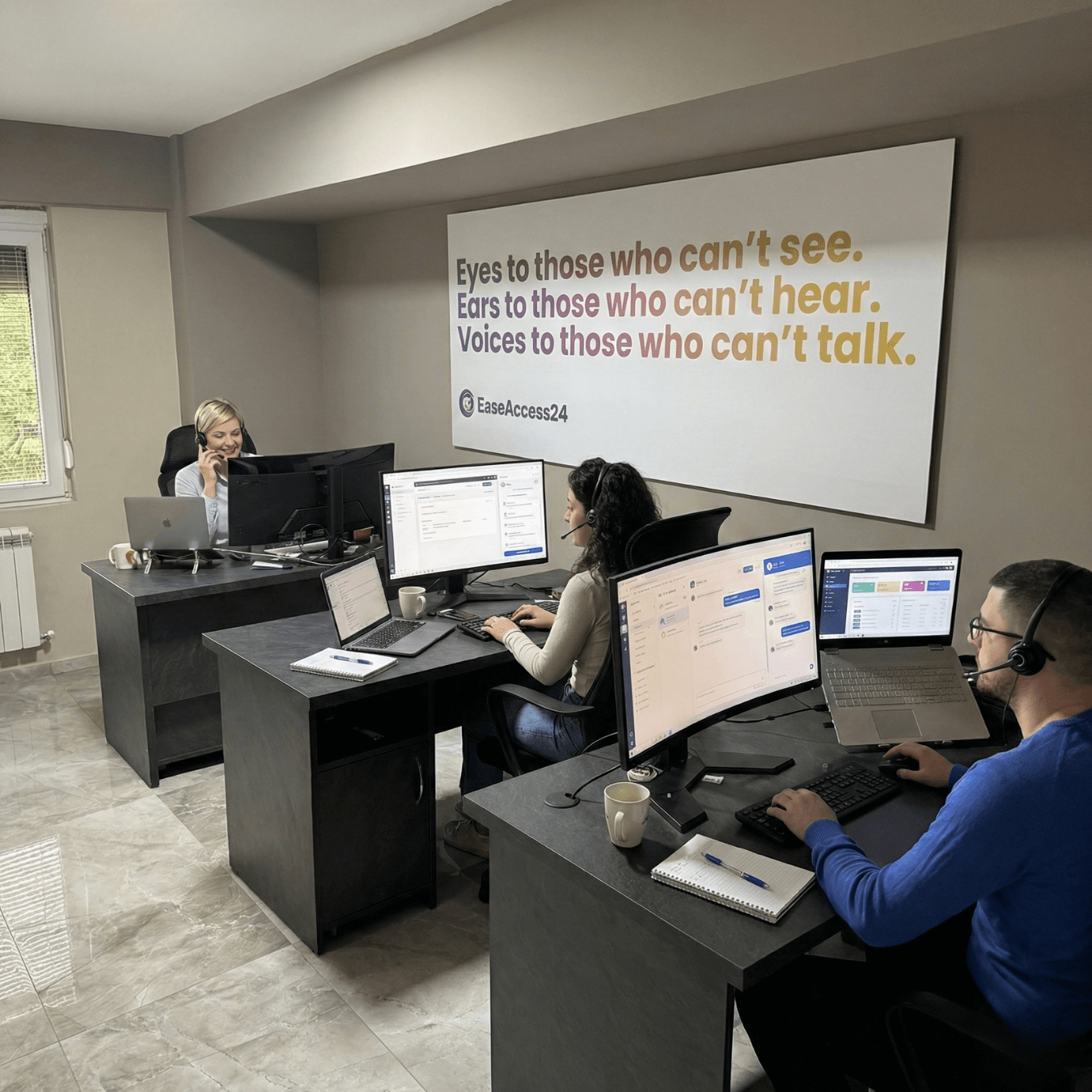
Three customer support agents wearing headsets work at desks with computers in a modern office. A large wall sign behind them reads, ‘Eyes to those who can’t see. Ears to those who can’t hear. Voices to those who can’t talk.’