Manage all accessibility from
one place
Scan your website, pinpoint accessibility issues down to the code level, and apply fixes – all from one central platform.


Trusted Across EU markets
For companies operating under WCAG & EAA

From issues detected to issues resolved
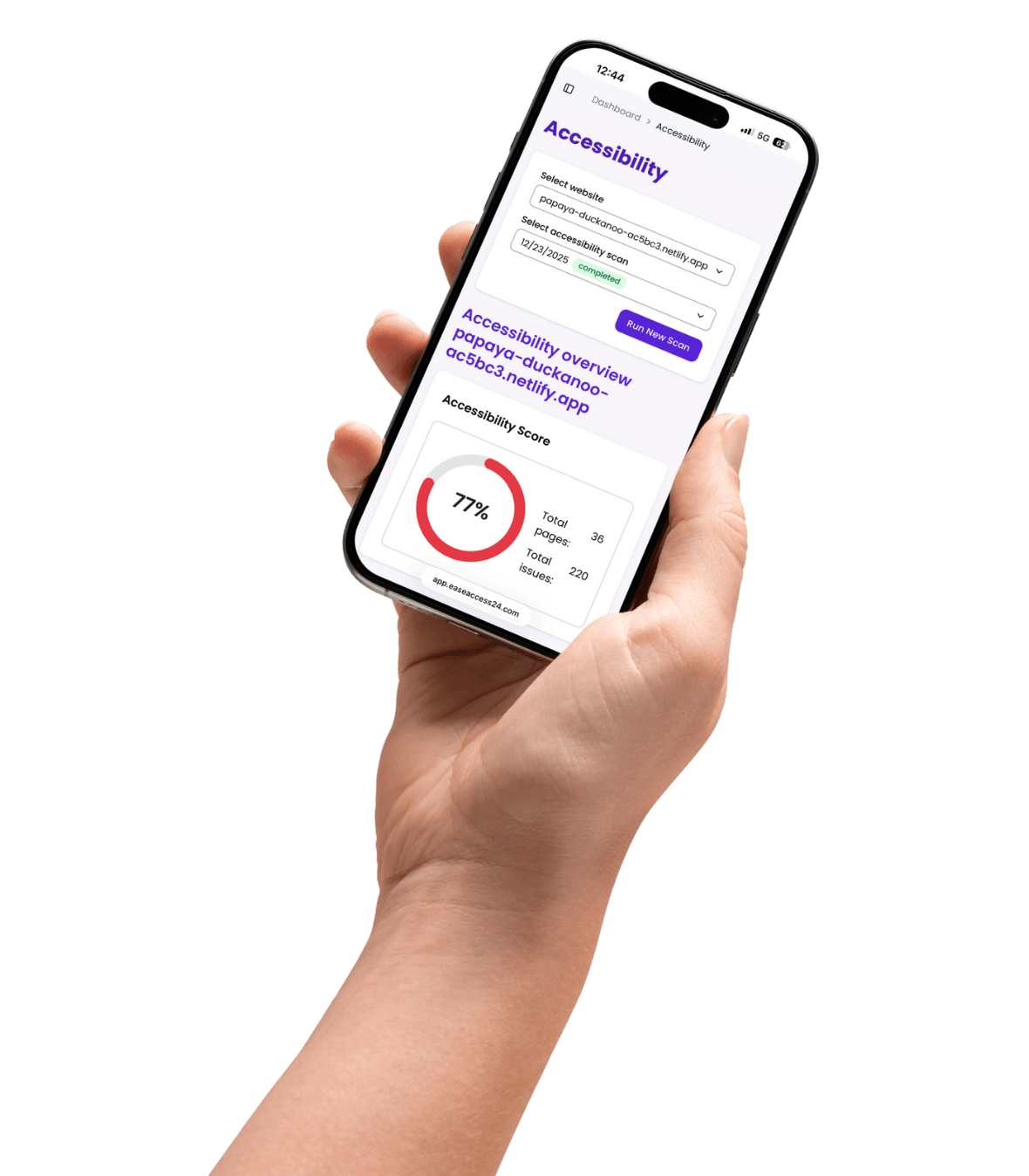
The EaseAccess24 Control Center is where accessibility is monitored, fixed, and managed. It gives you a clear overview of accessibility issues on your website, tools to fix them efficiently, and full control as your website and organization scale.
Accessibility audits with clear results
Scan your website for accessibility issues and see exactly what needs to be fixed. Issues are grouped by page and importance, making it easy to understand the impact and prioritize actions — even without technical knowledge.
AI-powered fixes based on ACT rules
Apply automated fixes for common accessibility problems directly from the dashboard. These fixes follow recognized accessibility rules and help resolve issues quickly, without manual development work.
Automatic alt text generation
Ensure images are accessible by automatically generating alternative text with AI. This improves screen reader support and helps users understand visual content across your website.
Centralized website & organization management
Manage multiple websites, pages, and organizations from one control panel. Track accessibility status, improvements, and progress across all properties in a structured way.
Widget deployment with advanced accessibility tools
Deploy the EaseAccess24 accessibility widget in minutes. The widget provides 20+ accessibility features that help users adjust and navigate your website more easily.
Full control over widget appearance
Customize the widget's design and behavior to match your brand. Control colors, placement, and available features — all without changing your website's layout.
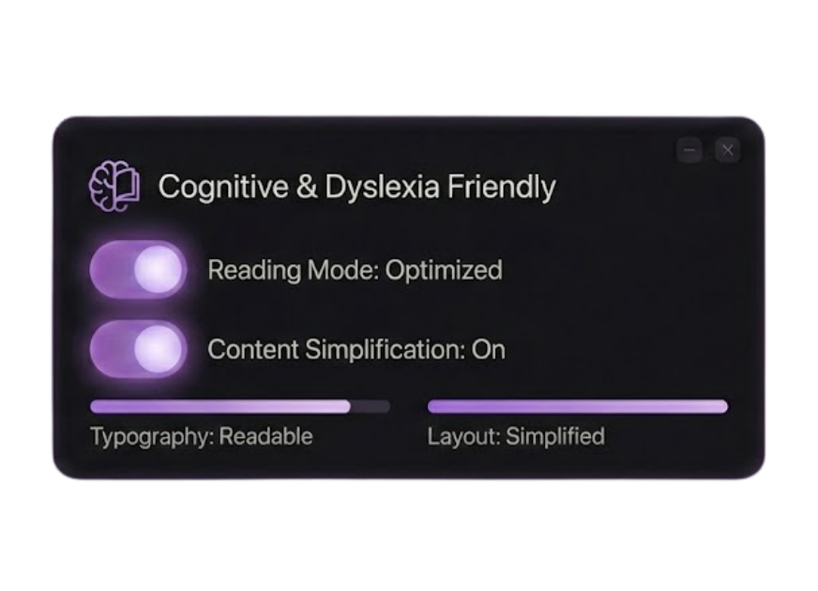
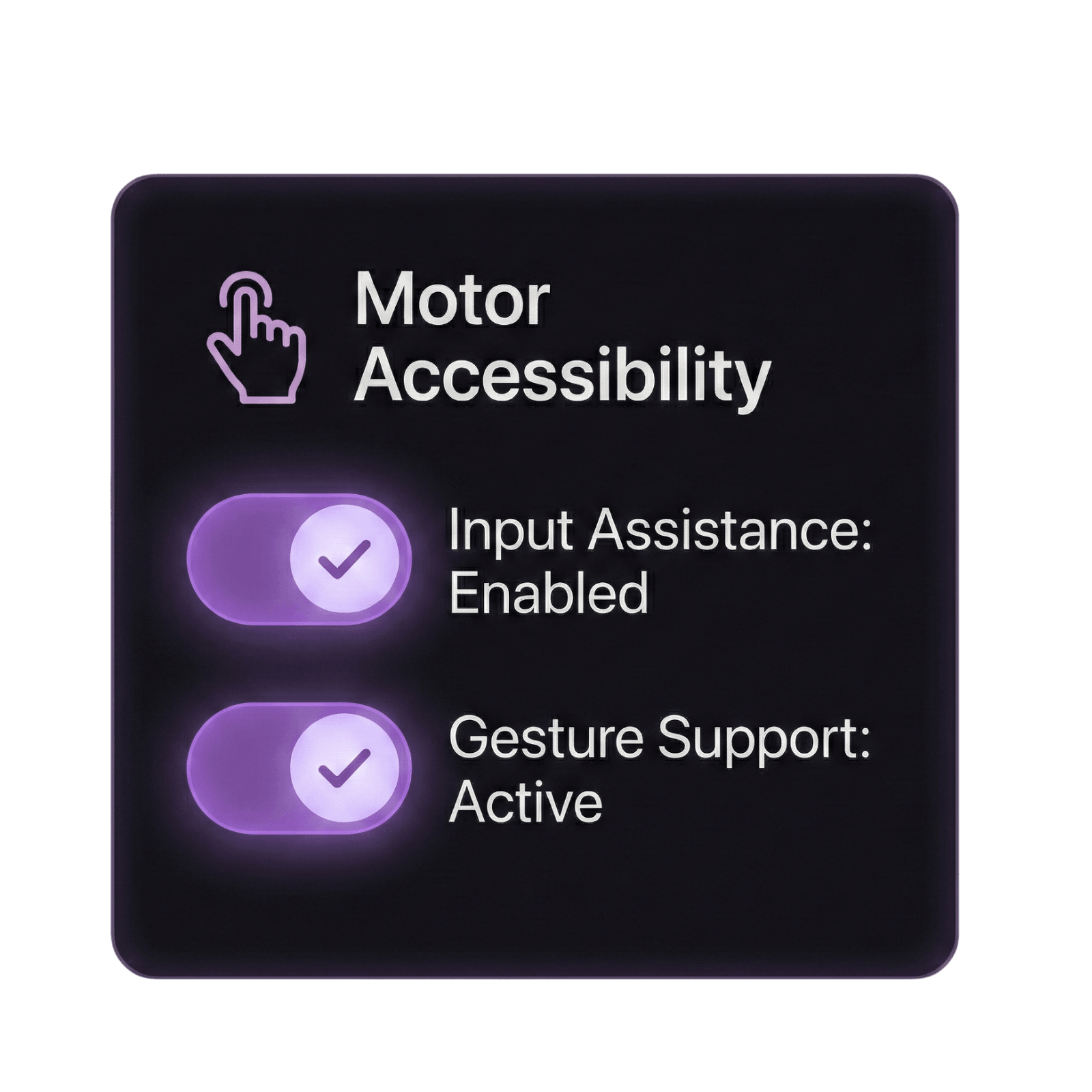
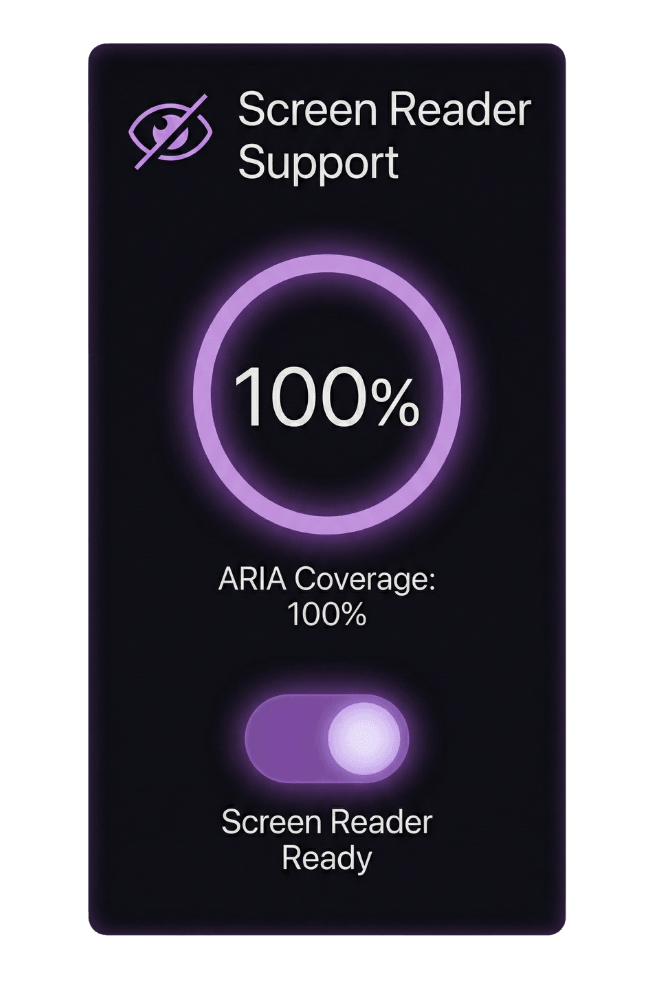
Choose from the Profile styles
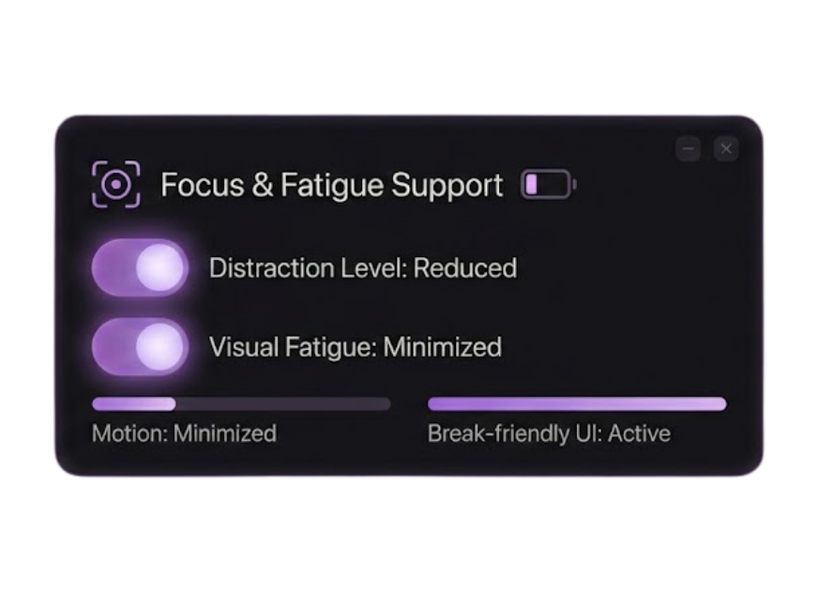
Apply a combination of preset adjustments designed to ease the user experience of common disability profiles.
Motor Impaired
Blind Users
Cognitive
Dyslexia Friendly
ADHD Friendly
Fatigue Friendly
Seizure Safe
Gestures
Elderly Users
Profiles from around the world
Engage your audience in 32 languages.
Our accessibility services support all European languages, ensuring users can navigate, read, and interact with digital content in their native language.
Language
Built to fit into your existing stack
EaseAccess24 connects directly with the tools your teams already use. From CMS platforms and website builders to design and content workflows, our plugins and integrations let you manage accessibility where work actually happens — without changing how you build or publish.
Manage accessibility in
4 simple steps
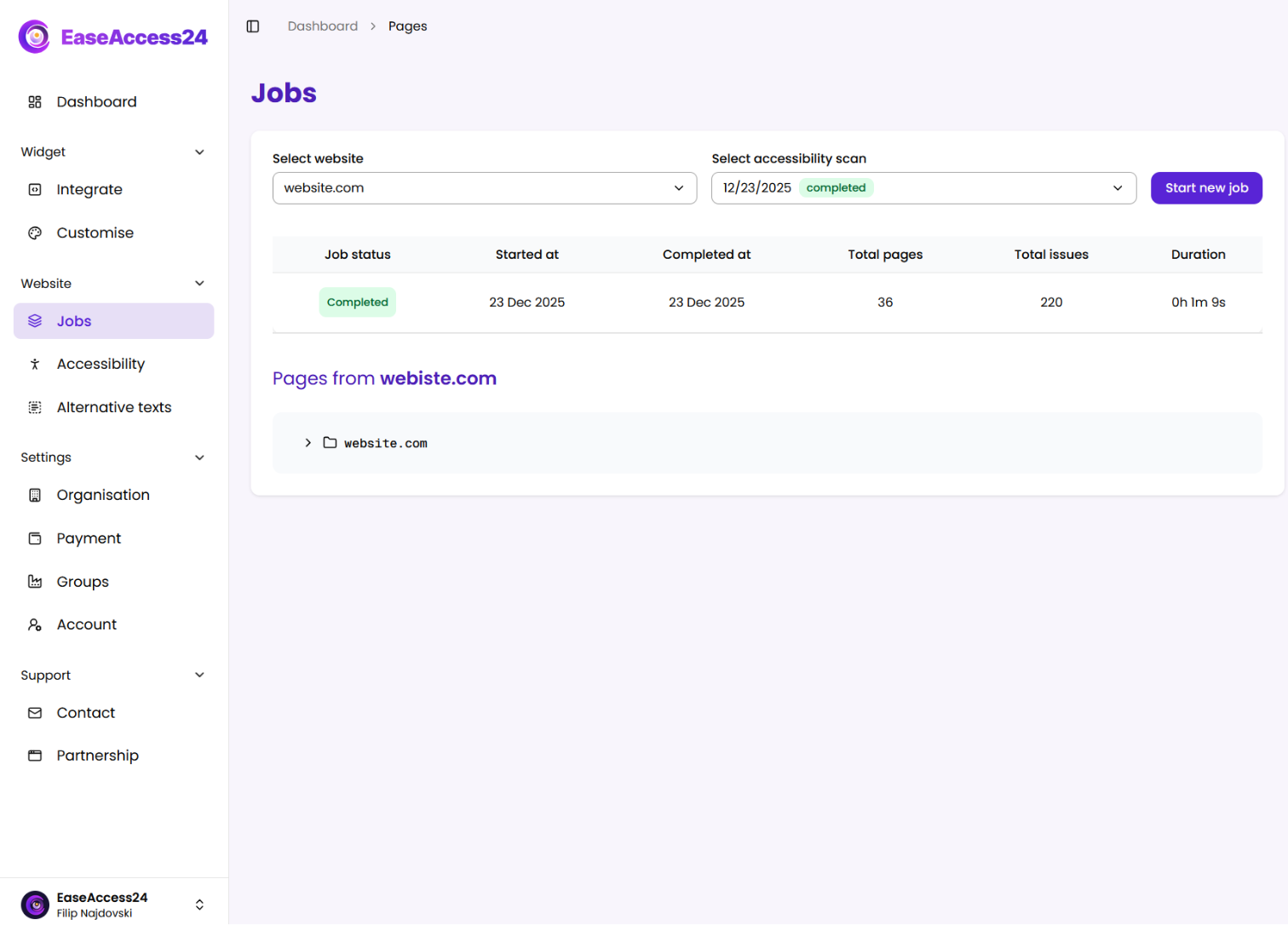
Scan your website
Run an accessibility audit to identify issues across your pages. Get a clear overview of what needs attention and where it appears.
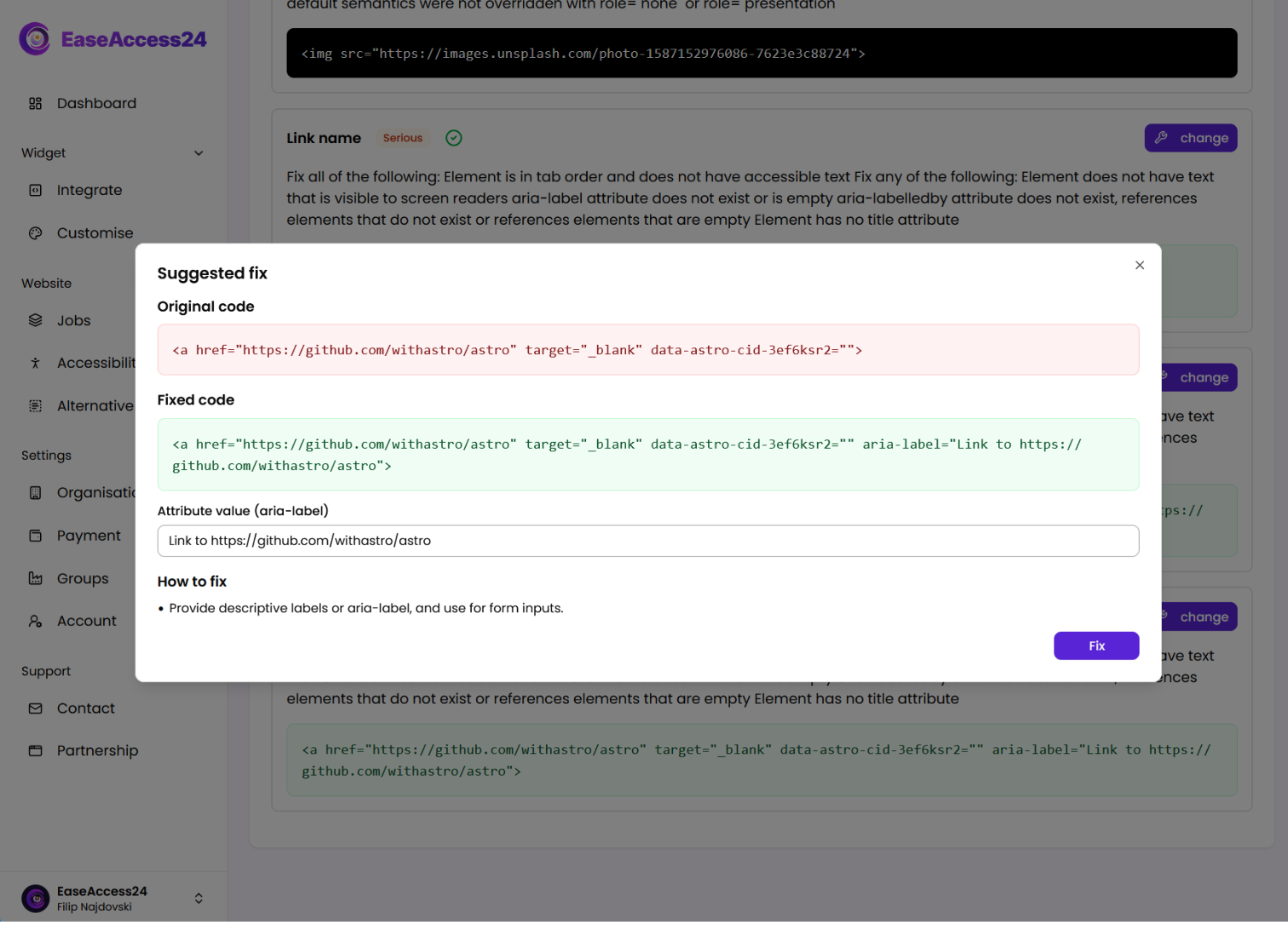
Fix common issues automatically
Apply automated fixes for common accessibility issues based on ACT rules. Reduce manual work while keeping full visibility over what's resolved.
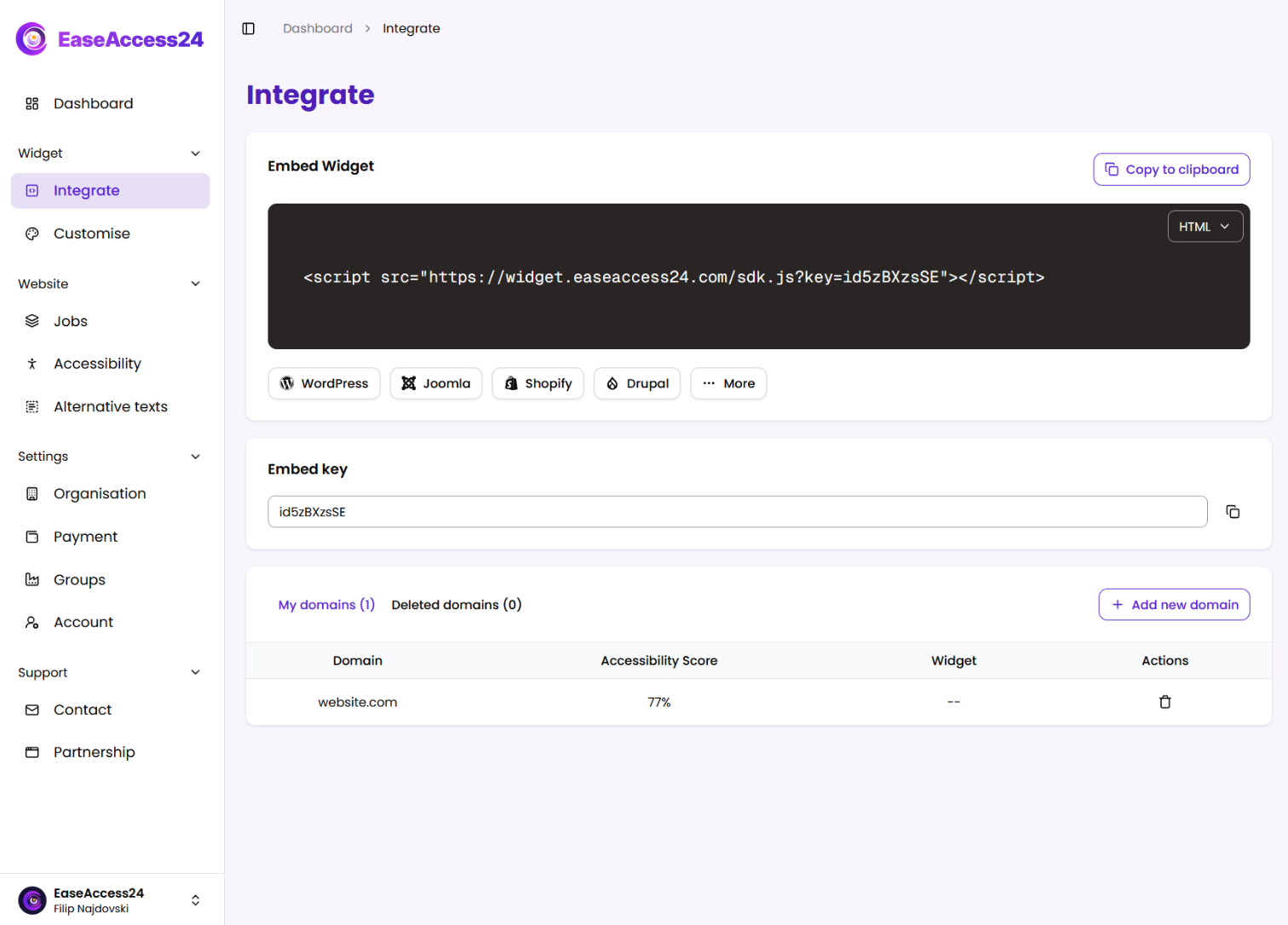
Add accessibility tools for users
Deploy the accessibility widget and enable assistive features that help real users navigate and interact with your website more easily.
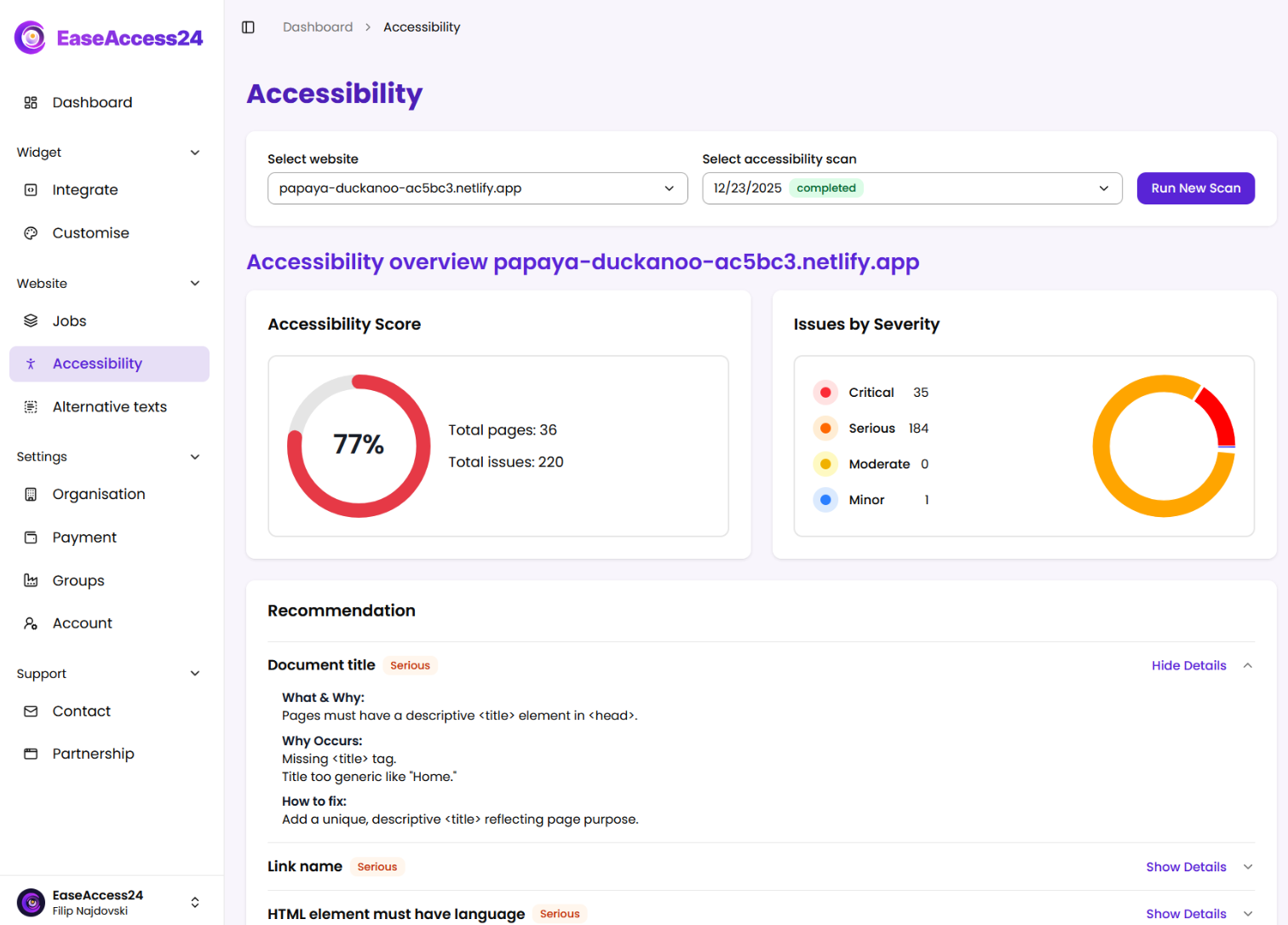
Monitor and manage over time
Track improvements, manage multiple websites, and keep accessibility under control as your content and organization grow.
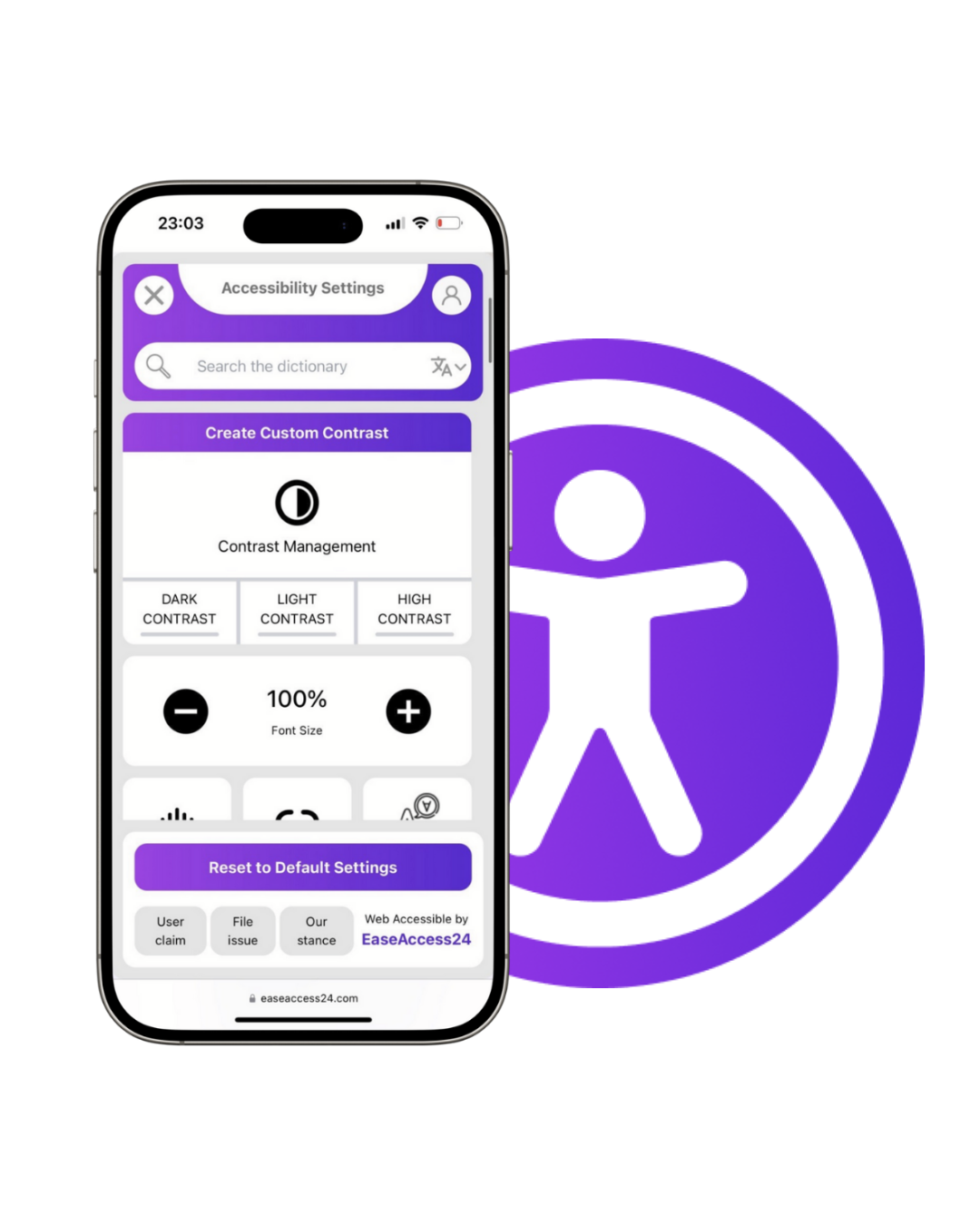
Make each user feel like a VIP
Allow each user to personalize your website to their needs with the click of a button. No barriers. No frustration.
Try it out now by clicking the accessibility symbol in the corner of the page!
Why developers love EaseAccess24
Code-level visibility
See accessibility issues mapped directly to pages, components, and code locations. No guesswork, no vague warnings — just clear signals developers can act on.
Automation where it makes sense
Automated fixes handle repetitive, rule-based accessibility issues. Developers stay focused on real product work instead of fixing the same problems over and over.
Fits into existing workflows
Deploy the widget, manage fixes, and monitor accessibility without changing how your team builds or ships. Works alongside modern stacks, CMSs, and deployment pipelines.
Measurable progress over time
Track what was fixed, what's pending, and how accessibility improves release by release. Accessibility becomes something you can measure — not just promise.
Accessibility that speaks each team’s language
Product & Engineering
See prioritized issues, link to components, and block merges when critical accessibility fails.
Compliance & Legal
Track EN 301 549 coverage, export statements, and keep an evidence trail for audits and tenders.
Design & Content
Guardrails for contrast, focus, alt text, and structure; reusable patterns aligned to WCAG 2.2.
Reach out to our support team for help.
Whether you have a question, need technical assistance, or just want some guidance, our support team is here to help. We're available around the clock to provide quick and friendly support.