Getting Started with EaseAccess24
Your First Steps Toward Smarter Accessibility Compliance
Digital accessibility compliance should not feel overwhelming. With evolving regulations like WCAG 2.2 and the European Accessibility Act, organisations need clarity, structure, and practical solutions — not just technical reports.
The Getting Started section inside EaseAccess24 is designed to guide you from initial setup to full activation in a structured and intuitive way.
Whether you are a compliance officer, developer, or digital team lead, this guide will help you launch properly from day one.
The Getting Started Hub
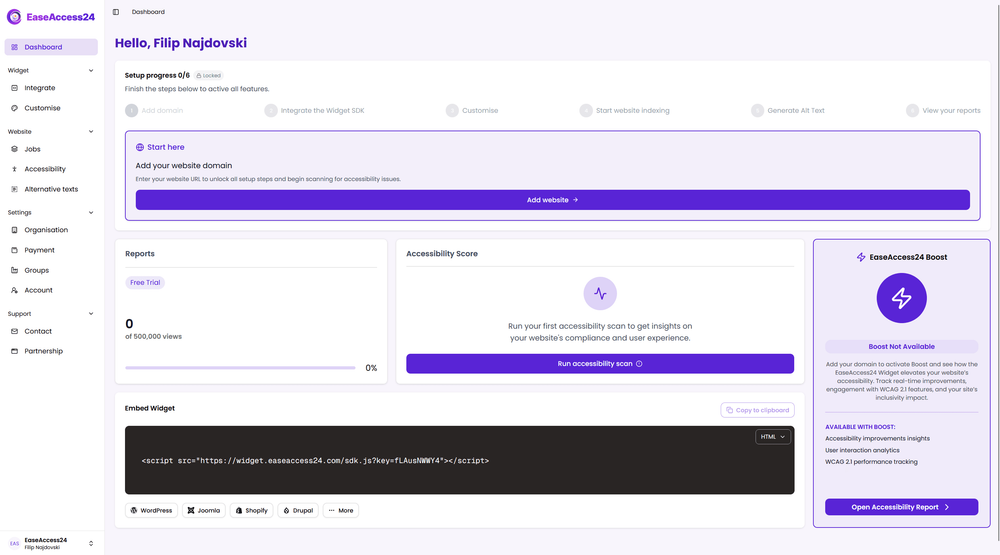
Inside your dashboard, you will find a dedicated Getting Started section that includes:
• Onboarding checklist
• Account setup
• Roles & permissions
Each step ensures your organisation is configured correctly before running audits and applying fixes.
Complete the Onboarding Checklist
The onboarding checklist is your activation roadmap.
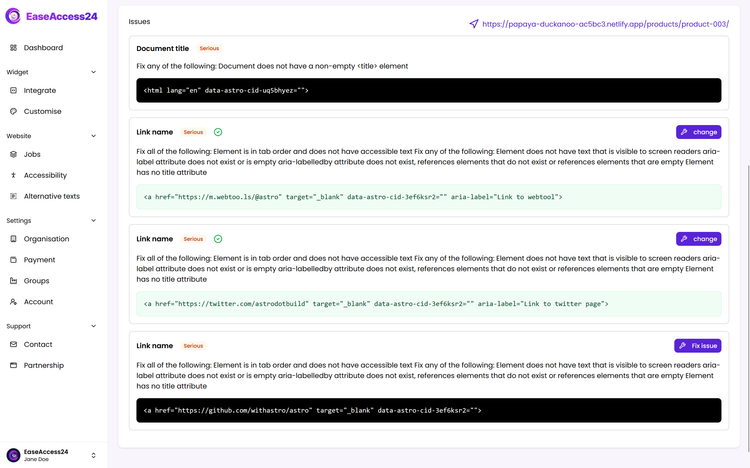
It guides you through essential setup steps, including adding your first website, running your initial accessibility scan, reviewing detected WCAG 2.2 issues, activating continuous monitoring, and configuring the EaseAccess24 widget.
Instead of guessing what to do next, the checklist ensures you move from setup to actionable insights quickly and confidently.
Completing these steps accelerates your time-to-compliance and ensures accurate monitoring from the very beginning.
Configure Your Account Properly
Your account setup ensures your workspace reflects your organisation’s structure and compliance requirements.
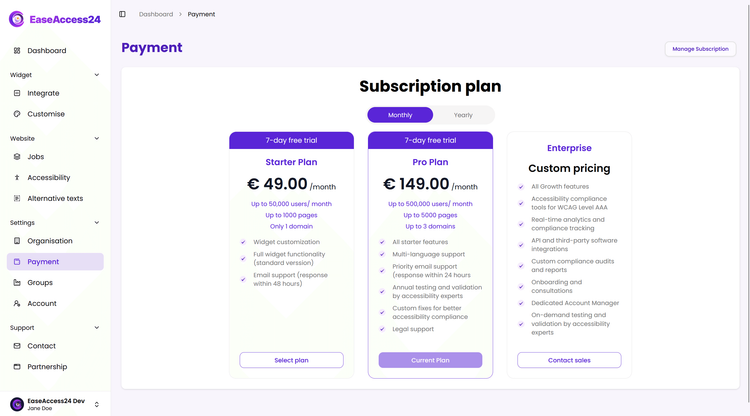
In this section, you can define organisation details, configure branding settings, manage subscription limits, adjust monitoring preferences, and organise domains or projects.
For enterprises managing multiple websites or business units, proper configuration is essential for structured reporting and governance.
Assign Roles & Permissions
Accessibility compliance is rarely managed by one person. EaseAccess24 allows you to structure access across your team.
You can assign Organisation Admin for full system control, Accessibility Manager for handling audits and fixes, Organisation Member for limited operational access, or create custom permission sets tailored to your internal structure.
You decide who can run scans, approve AI-powered fixes, modify widget settings, access compliance reports, and manage subscriptions.
This ensures accountability, security, and effective collaboration across departments.
Why Proper Setup Matters
Accessibility compliance is not just about installing a widget.
It requires structured auditing, continuous monitoring, responsible ownership, intelligent remediation, and documented reporting.
The Getting Started section ensures your foundation is built correctly — so your accessibility strategy can scale with confidence.
Ready to Launch?
If you have just created your EaseAccess24 account:
Complete the onboarding checklist.
Configure your organisation.
Assign team roles.
Run your first accessibility scan.
Within minutes, you will move from setup to measurable accessibility progress.