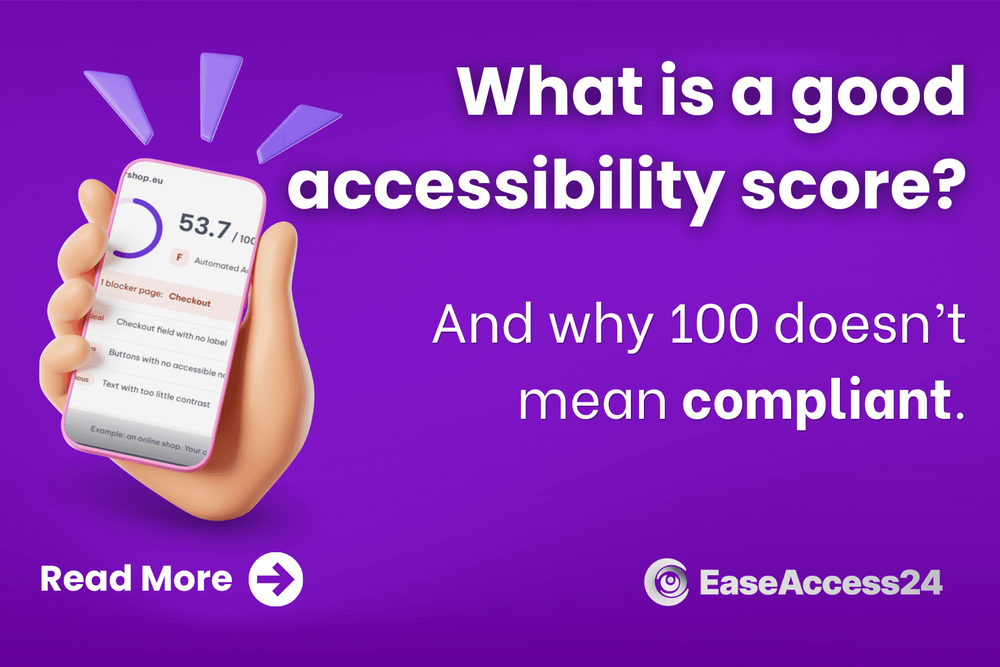
What Is a Good Accessibility Score? (And Why 100 Doesn't Mean Compliant)
An accessibility score tells you how many barriers your website puts in front of people with disabilities, in one number. Here's what the number means, what a good score looks like, how ours is calculated, and why a high score alone doesn't make you compliant.
Quick answer
An accessibility score measures the accessibility problems a scanner finds on your website, on a scale from 0 to 100. A good score is 90 or higher (grade A). But a scanner only catches about a third to a half of all accessibility problems. A score of 100 means no detectable problems, not a fully accessible website. Meeting the European Accessibility Act also takes a manual check.
What is an accessibility score?
An accessibility scanner checks your pages against the Web Content Accessibility Guidelines (WCAG), the rules that make a website usable for people with disabilities: people who use a screen reader, can't use a mouse, or have low vision.
Every problem the scanner finds goes on a list. The score turns that list into one number, so you can see where your site stands and whether it's improving.
Why scores differ between tools
There's no official formula for an accessibility score. Every tool calculates its own, so the same website can score 99 in one tool and 50 in another.
Most tools count how many checks a page passes. That method flatters big pages. A page with 5,000 working elements and 75 broken ones scores close to 100, even when those 75 stop people from using it. Our score doesn't work that way.
How our accessibility score works
Our score counts the problems on your site and how serious they are. What already works doesn't earn extra points, because it shouldn't hide what's broken.
Every page starts at 100. We test each page against the WCAG rules at level A and AA, the levels the European standard is built on. Every problem we find takes points off, and the more serious the problem, the more it costs:
| Severity | What it means | Example |
|---|---|---|
| Critical | Blocks people completely | A form field with no label, an image with no description |
| Serious | Makes something very hard to use | Text with too little contrast, a link with no name |
| Moderate | Gets in the way | Smaller structural problems |
| Minor | A small annoyance | Details that don't stop anyone |
Each problem counts once per page. A broken button repeated in every row of a table is one problem with one fix, so it costs the same whether it appears once or 500 times.
Your site score is the average of your pages. Websites are built from templates: product pages, articles, forms. We group your pages by template, test pages from each one, and weight each template by how many pages it really has. Your score reflects the whole site, and adding pages doesn't inflate it.
Critical pages are flagged on their own. Any page with a critical problem, like a checkout or login form a screen reader can't get through, is shown separately. A good average never hides a broken key page.
Only real problems count. Items the scanner can't confirm are marked for manual review, not counted as failures. Best-practice tips are reported but don't affect the score, and empty pages with nothing to test are left out.
Your score becomes a grade:
| Score | Grade |
|---|---|
| 90–100 | A |
| 80–89 | B |
| 70–79 | C |
| 60–69 | D |
| Below 60 | F |
We tested this method on hundreds of simulated websites. Bigger pages, more pages or a repeated problem don't change the score. Every fix raises it, and a critical problem always costs more than a serious one. When you've fixed only some copies of a problem, the score moves once the last one is fixed, and in the meantime we show how many problems you've fixed next to the score.
What is a good accessibility score?
90 or higher is a good score. It means no significant problems were found.
Most websites start well below that. In a large yearly study of the top one million homepages, about 96% failed automated accessibility checks, and in our own tests the typical score was around 51. A low first score is normal. Every fix moves it up.
Is there an acceptable score for compliance?
No. No law sets a minimum accessibility score.
The European Accessibility Act requires certain products and services to meet accessibility requirements. For websites, that means the European standard EN 301 549, which is based on WCAG 2.1 level AA. A score or percentage isn't part of the test.
So no percentage makes a site "compliant". A score tracks your progress. It isn't a pass mark.
A good score isn't the same as being accessible
A scanner catches missing image descriptions, low contrast and unlabelled form fields. It can't judge whether:
- an image description actually describes the image
- your forms work with a keyboard alone
- a screen reader user can complete your checkout
That's what a manual audit is for. The score finds the clear problems fast. An expert checks the rest.
How to check your accessibility score
- Scan your key pages: homepage, product or service pages, forms, login and checkout.
- Fix flagged pages first. A problem on your checkout matters more than one on an old blog post.
- Fix shared templates. One template fix solves the same problem on every page that uses it.
- Scan again to track progress.
- Get a manual audit before you rely on the result for compliance.
Our Accessibility Control Center scans your site and tracks your score over time. Our accessibility audits cover what a scanner can't.
How accessibility fixes help your marketing
Most fixes improve your site for everyone, not only for people with disabilities:
- Image descriptions (alt text) help search engines understand your images.
- Clear link text like "See our pricing" instead of "click here" tells visitors and search engines where a link goes.
- Labelled form fields mean fewer people abandon a sign-up or checkout.
- Good contrast keeps text readable on a phone or in bright sunlight.
- Clear headings make content easy to scan.
- Captions and transcripts let people watch videos without sound and give search engines text to read.
Read more in How web accessibility helps your SEO.
Frequently asked questions
What is a good accessibility score?
90 or higher (grade A). It means no significant problems were found by the scanner. It doesn't guarantee your site works for everyone.
What is an acceptable accessibility score?
There's no legal minimum. The law asks you to meet accessibility requirements, not to reach a score.
Does a score of 100 mean my site is compliant?
No. It means the scanner found no problems. Scanners catch about a third to a half of all issues, so a manual check is still needed.
What percentage counts as compliant?
None. Compliance means meeting the requirements, which for websites means WCAG 2.1 level AA.
Why do different tools give different scores?
There's no standard formula. Each tool calculates its own score.
How do I improve my accessibility score?
Fix critical problems first, start with shared templates, and scan again after each round.